Game UX Library

Designing a shared UX reference for diverse game productions, and creating the conditions for its adoption.

Role
Design Ops
Organisation
Ubisoft
Period
May 2024 – March 2025
Team
2 designers
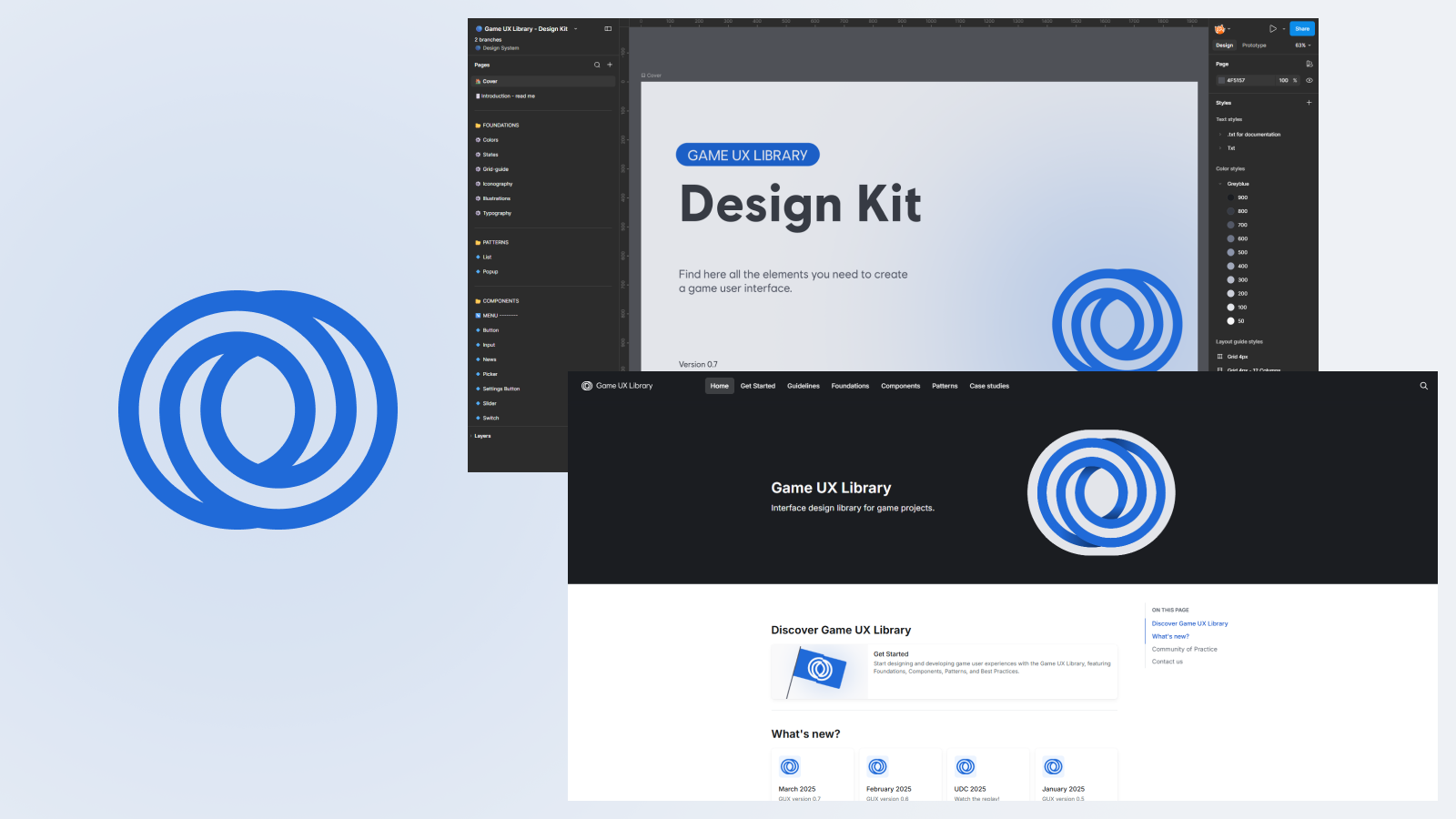
The Game UX Library logo, its Figma library and its documentation site

Each production has its own teams, engines, audiences and constraints. Yet they run into the same UX problems: game settings, progression, navigation, accessibility and platform compliance.

The project grew out of a shared observation within the UX community of practice: every production has its own level of UX maturity, and designers are sometimes brought into projects late. On top of that, no shared design system existed for game projects.

There were only two of us to drive this initiative across the organisation. That constraint meant building a system that was useful without trying to cover everything, and thinking about its adoption as carefully as its content.

What can genuinely be shared across very different games, and how do you make teams want to adopt it?

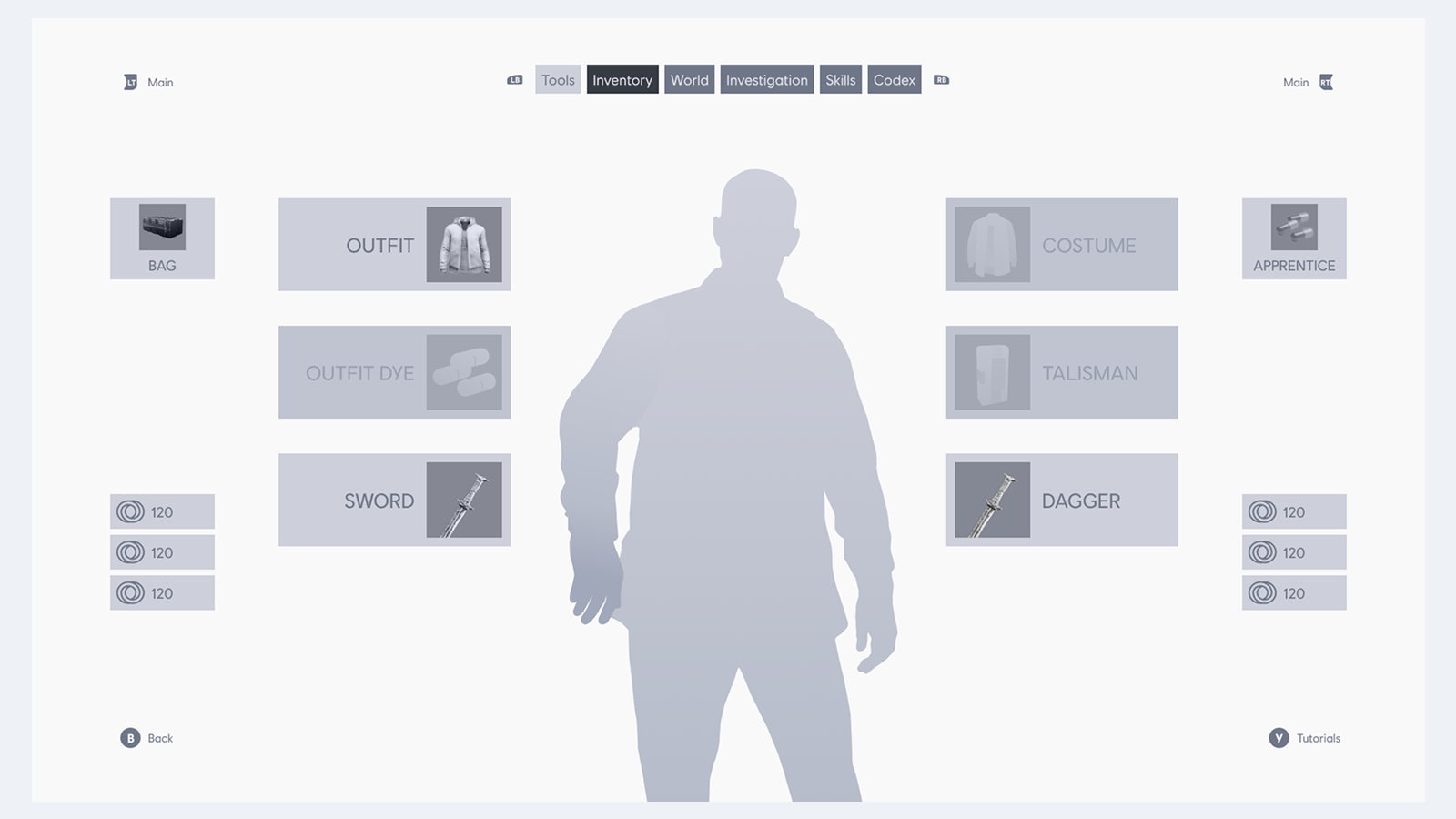
A wireframe built with Game UX Library components

One principle guided the whole project: share what is reusable without erasing what makes each product specific. The library had to help teams move faster, not turn games into variations on a single template.

Structure by degree of universality

Decision
Structure the library in three tiers: fundamentals and case studies, patterns, then components.
Why
The more an element depends on a game's context, the less sense it makes to standardise it. Conversely, recurring principles and patterns can be shared while still letting each production adapt them. Structuring the library by degree of universality therefore meant sharing widely what could be shared, while leaving each production free to adapt what needed to stay specific.

Start with the tangible

Decision
Start with directly reusable components before investing in the system's fundamentals.
Why
The project had to demonstrate its value quickly to win management buy-in and secure continued support. Components made the benefit immediately visible and concrete, whereas the fundamentals were harder to make a case for in the short term.

Be present in designers' workflow

Decision
Offer two complementary entry points: a documentation site for guidance, and a Figma library for production.
Why
A single touchpoint would have been simpler to maintain, but less embedded in designers' day-to-day workflow. Linking Figma components directly to their documentation made the system easier to consult, at the cost of the extra work required to keep both touchpoints in sync.

Build buy-in from the start

Decision
Involve a UX community of practice bringing together 28 leads from international productions right from the start.
Why
Presenting a finished system would have limited teams' sense of ownership. These exchanges made it possible to validate needs and improve the content. The approach demanded more facilitation and coordination time, but that time was an integral part of the adoption effort.
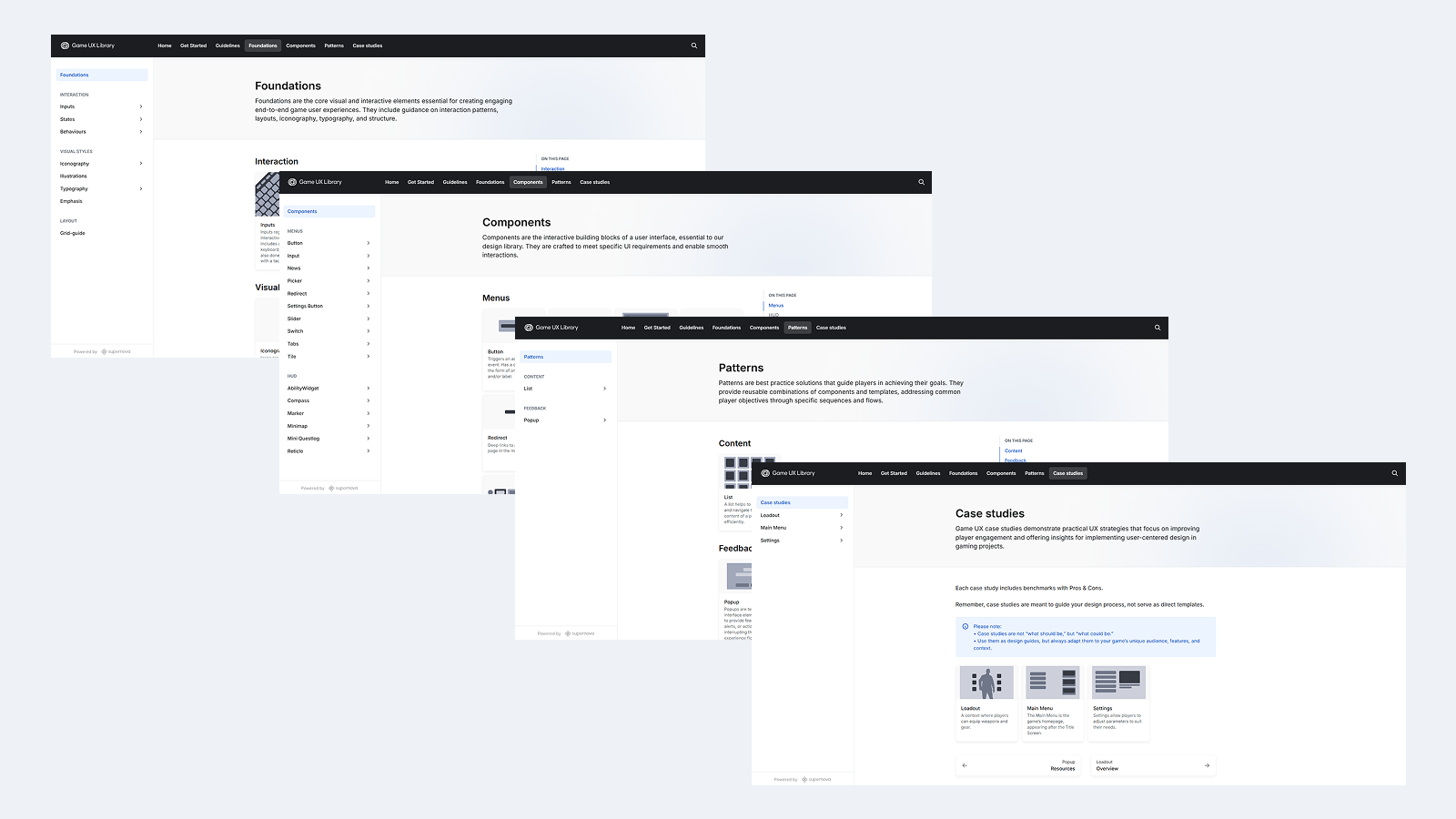
Various pages from the Game UX Library documentation site
17 Ubisoft projects used the library
15 documented components, from buttons to minimaps
1 to 10 days saved per reused element, depending on its complexity
500+ people in the audience for the presentation

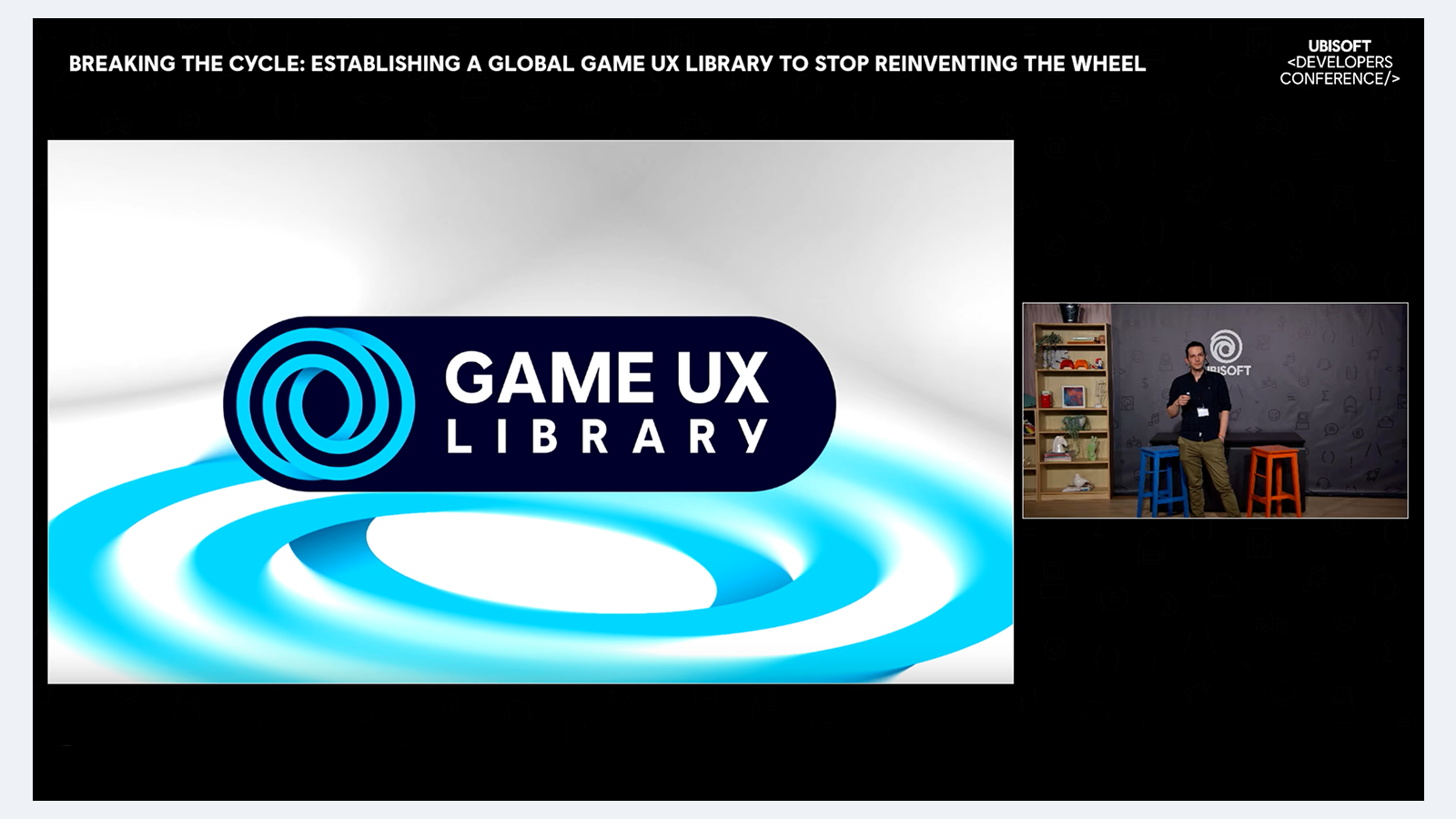
I presented the project at the Ubisoft Developers Conference to a live audience of more than 500 people. That visibility brought the design system to audiences well beyond the UX teams.

Adrien Morisse presenting the Game UX Library at the Ubisoft Developers Conference

Although the project was ultimately discontinued in March 2025, productions are still using the library, demonstrating both its usefulness and the extent of its adoption.

Accessibility was built into the foundations of the system, alongside UX heuristics and platform requirements. The aim was to address it from the outset rather than retrofit it screen by screen across every production.

A design system makes this kind of scaling possible: document the expected principles, states and behaviours once, then make them available by default to the teams designing new screens.

This approach extends work started earlier on Ghost Recon Breakpoint, where I designed and tested several accessibility settings with users with relevant accessibility needs. The Game UX Library made it possible to turn those lessons into resources reusable across many projects.

This project illustrates classic product organisation challenges: aligning autonomous teams around shared standards through light-touch governance, and driving adoption without mandating it.